
Android Development
Kotlin-first engineering mastering Android's vast device ecosystem — from flagships to ruggedized scanners.
Mastering the Android Ecosystem
Android's 72% global market share makes it the world's most important mobile platform by sheer user count. But developing for Android presents a unique engineering challenge that iOS developers never face — staggering device fragmentation. Your application must perform flawlessly across thousands of hardware configurations, screen densities, chipset capabilities, and Android version distributions that span 5+ years of OS releases.
We build native Android applications using Kotlin and Jetpack Compose that handle this fragmentation gracefully. Our architectures are designed to degrade beautifully on lower-end devices while exploiting the full capabilities of flagship hardware — supporting everything from Samsung's foldable displays to Zebra's ruggedized warehouse scanners running Android Enterprise.
For enterprise deployments, Android offers advantages that iOS cannot match — broader hardware selection, lower device costs, deeper customization capabilities, and managed device modes (kiosk mode, dedicated device mode) that lock devices to specific business applications. We design Android solutions for logistics, field services, and retail that operate reliably in environments where consumer devices would fail.

The Android Complexity Challenge
Building an Android application that works reliably across Samsung, Google Pixel, Xiaomi, OnePlus, and enterprise devices simultaneously requires expertise in manufacturer-specific UI layers, battery management quirks, and notification handling differences. An app that works perfectly on a Pixel 8 may crash on a Samsung Galaxy A14 due to aggressive OEM battery optimization that kills background services.
Enterprise Android development adds another dimension of complexity — integrating with barcode scanners, RFID readers, thermal printers, and ruggedized hardware that communicates through manufacturer-specific SDKs. A warehouse application that fails during a Zebra device firmware update costs the organization thousands of dollars per hour in halted operations.
Without immediate structural intervention, these symptoms accelerate organizational drag and reduce operational agility.
Resource allocation becomes permanently skewed toward maintaining legacy workarounds rather than driving net-new innovation.
What We Deliver
Mobile engineering capabilities spanning native, cross-platform, and enterprise mobility solutions.
Kotlin & Jetpack Compose Development
Building modern Android applications using Kotlin and Google's declarative Jetpack Compose UI framework — the modern equivalent of SwiftUI for Android. Compose enables rapid UI development with real-time previews while producing native performance that is indistinguishable from traditional XML-based layouts.
Device Fragmentation Management
Engineering applications that perform consistently across Android's vast device landscape — from budget phones running Android 10 to flagship foldables running Android 15. We implement adaptive layouts, feature detection, and graceful degradation strategies that ensure every user gets a quality experience regardless of their hardware.
Enterprise & Ruggedized Solutions
Developing Android applications for enterprise deployment on managed devices — warehouse scanners, delivery tablets, point-of-sale terminals, and field service equipment. We integrate with manufacturer SDKs (Zebra, Honeywell, Datalogic) and implement Android Enterprise managed configurations for centralized fleet management.
Background Processing & System Integration
Implementing reliable background processing that survives Android's increasingly aggressive battery optimization policies. We use WorkManager, Foreground Services, and AlarmManager strategies that ensure critical business operations complete reliably — even on OEM devices that aggressively terminate background processes.
Android Development Methodology
A device-aware development approach engineered for Android's unique complexity.
Requirements & Device Strategy
We define the target device matrix — minimum Android version, supported screen sizes, hardware requirements (camera, NFC, barcode scanner), and OEM-specific considerations. This matrix drives every technical decision from architecture selection to testing strategy.
Architecture & Build System
We establish the multi-module Gradle project structure, configure build variants (debug, staging, production), and set up CI/CD using GitHub Actions or Bitrise. We implement the networking, persistence, and dependency injection layers that form the application foundation.
Feature Development & Testing
We develop features in sprints, delivering internal test builds through Firebase App Distribution or Google Play Internal Testing tracks. Every feature includes unit tests (JUnit/MockK), instrumentation tests (Espresso), and manual validation on our physical device testing matrix.
Play Store Submission & Rollout
We prepare the Google Play listing — screenshots across device categories, feature graphics, and Play Store keyword optimization. We execute a staged rollout (5% → 20% → 50% → 100%) monitoring crash-free rates and ANR metrics through Google Play Console vitals before proceeding to full deployment.
What You Receive
Every mobility engagement produces tangible, production-ready output — not prototypes or proof-of-concepts that require additional investment.
Production-Ready Android Application
A polished Kotlin/Compose application tested across the defined device matrix, ProGuard-optimized for minimal APK size, and submitted to Google Play with optimized metadata and staged rollout configuration.
Device Compatibility Report
A comprehensive testing report documenting application behavior across all devices in the target matrix — including screenshots, performance benchmarks, and any device-specific workarounds implemented.
Enterprise Deployment Package
For enterprise applications: managed Google Play configuration, managed app config schemas, MDM integration documentation, and device provisioning guides for your IT team's device fleet management.
CI/CD Configuration
Automated build pipeline configurations — Gradle build scripts, GitHub Actions or Bitrise workflows, Firebase App Distribution setup, and Google Play deployment automation using Fastlane or Gradle Play Publisher.
Related Services

Apple iOS Development
Native Swift and SwiftUI engineering for high-performance iPhone, iPad, and Apple Watch applications.
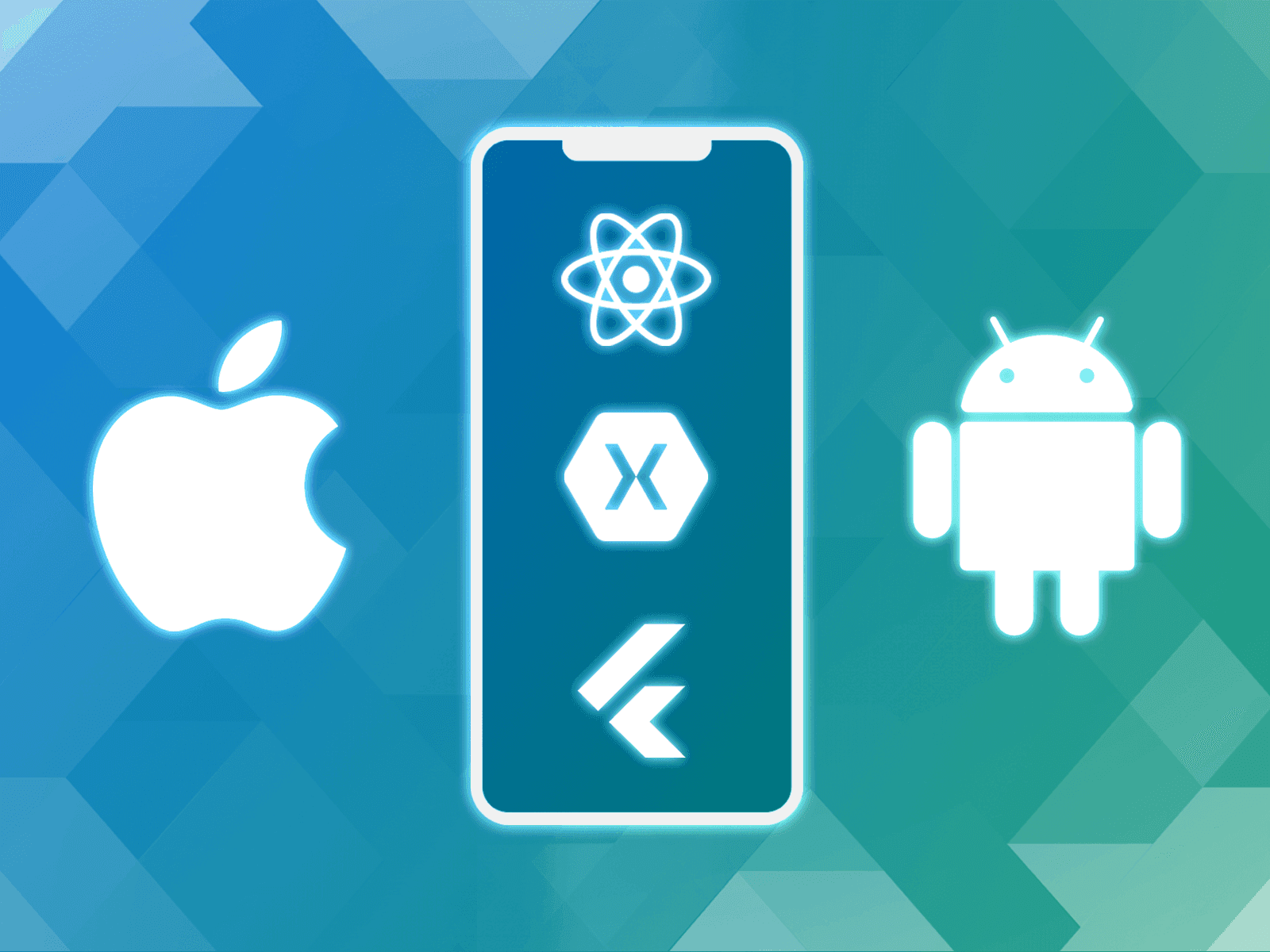
Cross-Platform Mobile Development
React Native and Flutter solutions delivering native-quality mobile applications from a single codebase.
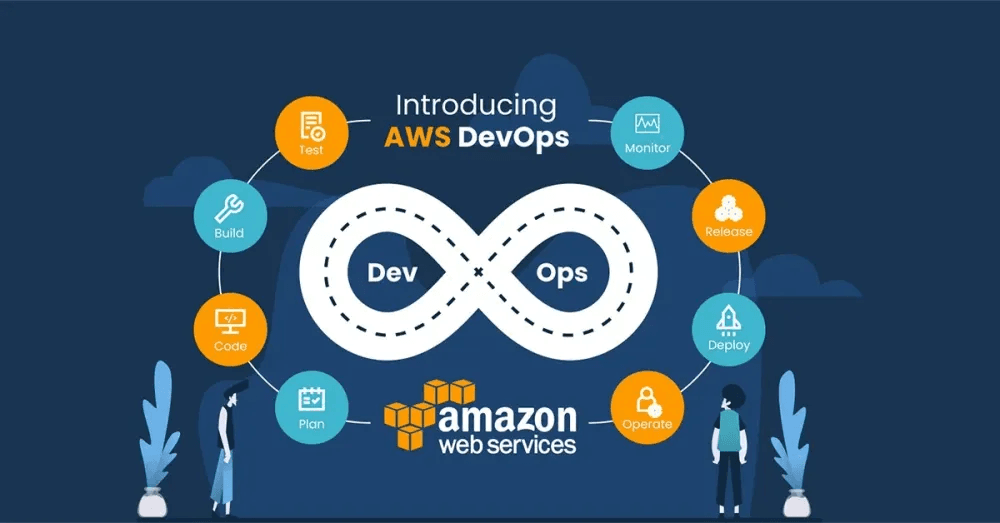
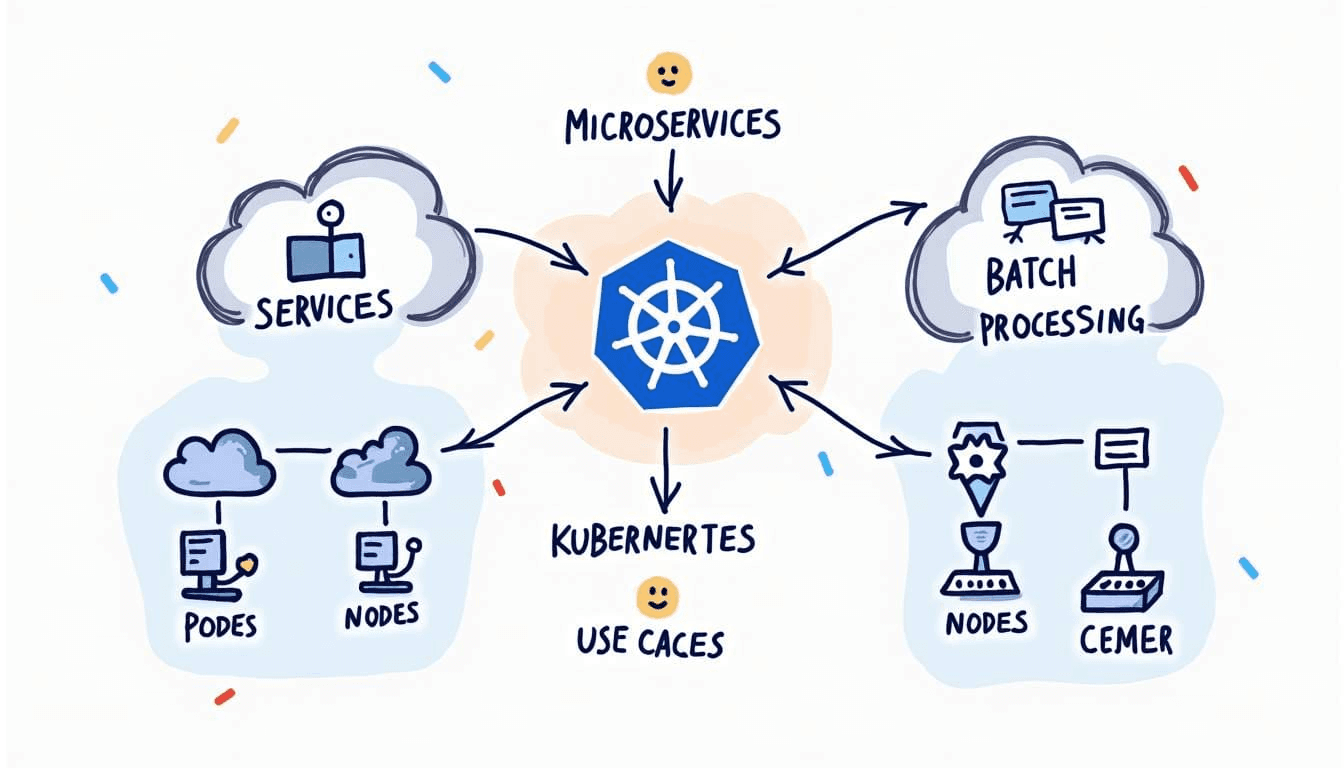
GCP Infrastructure & DevOps
Engineering scalable, Kubernetes-native infrastructure and CI/CD automation on Google Cloud.
Apple iOS Development
Native Swift and SwiftUI engineering for high-performance iPhone, iPad, and Apple Watch applications.
Cross-Platform Mobile Development
React Native and Flutter solutions delivering native-quality mobile applications from a single codebase.
GCP Infrastructure & DevOps
Engineering scalable, Kubernetes-native infrastructure and CI/CD automation on Google Cloud.